
In 2026, hackers steal billions of passwords every year through data breaches, phishing emails, and clever scams. Yet millions of people still rely on just a password to protect their email, bank accounts, social media, and work files. That single layer of defense is no longer enough.
Two-factor authentication (2FA)—also called two-step verification—adds a quick second check that keeps intruders out even if they know your password. This simple step can block the vast majority of attacks and give you real peace of mind online. In this guide, you’ll learn exactly what 2FA is, why it matters more than ever right now, the best ways to use it, and easy steps to turn it on today.
What is Two-Factor Authentication?
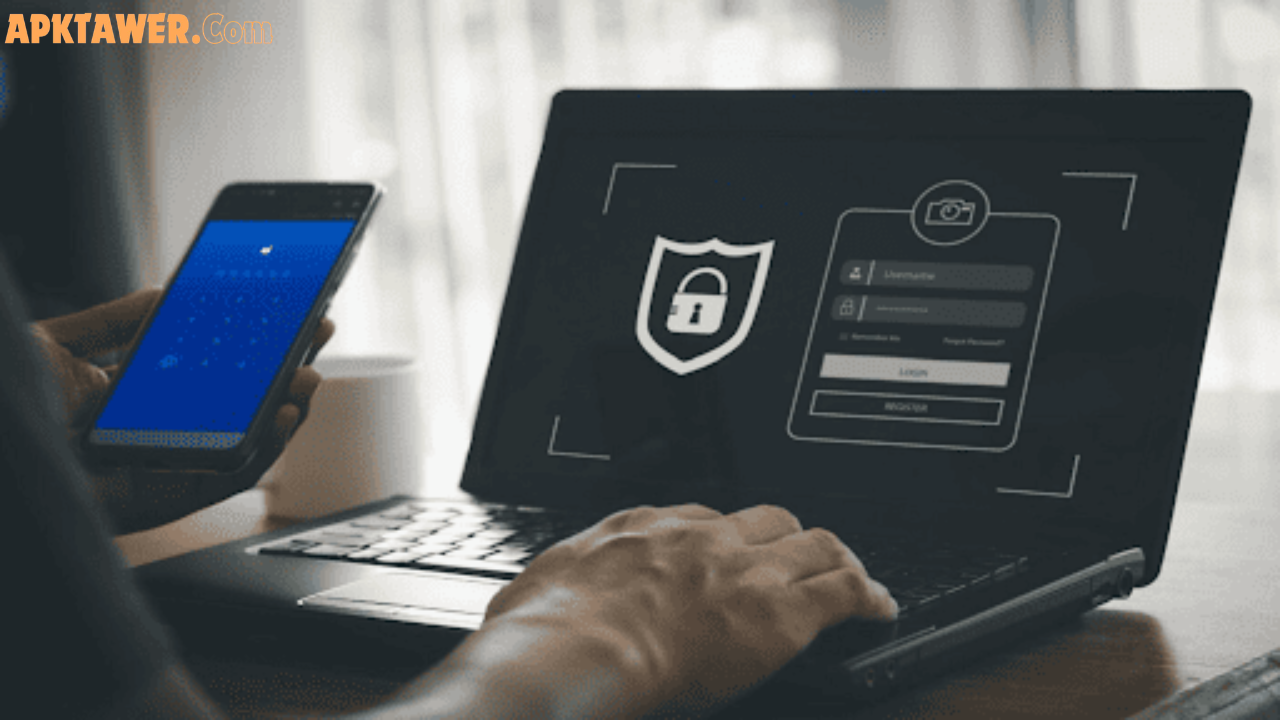
Two-factor authentication is a security process that requires two different forms of proof before letting you into an account. Instead of typing just a username and password and getting instant access, the system asks for one more piece of verification that only you can provide.
Think of it like entering a building: your password is the key to the front door, but 2FA is the security guard who double-checks your ID before letting you inside. This extra step makes it dramatically harder for someone else to pretend to be you.
How Does Two-Factor Authentication Work?
2FA works by combining two categories from three possible “factors” of identity:
- Something you know — your password or PIN
- Something you have — your phone, a security key, or an authenticator app
- Something you are — your fingerprint, face, or other biometric
Most everyday 2FA setups use the first two: you enter your password, then approve a code or push notification on your phone. The second factor changes every time (usually every 30 seconds) and expires quickly, so even if a hacker steals it, it’s useless within moments.
Why Every User Needs Two-Factor Authentication Now
Cyber threats have grown sharper in 2026. Passwords alone fail because they get leaked in massive breaches, guessed through automated attacks, or tricked out of you via phishing. Once a hacker has your password, they can lock you out, steal money, or impersonate you on social media.
Here’s why 2FA changes everything:
- It stops 99% of automated attacks even when passwords are compromised.
- It blocks phishing: a fake login page can’t generate the code on your phone.
- It protects your most important accounts—email, banking, shopping, and work tools—against credential theft.
- It’s free or low-cost and takes less than a minute to set up on most services.
Real-life example: A friend received a convincing email saying their bank account was “suspended.” They entered their password on a fake site, but because 2FA was enabled, the real bank never sent a code to their phone. The scam failed instantly.
Without 2FA, that same friend could have lost thousands of dollars and spent weeks recovering their identity. With it, they simply deleted the email and moved on.
Common Types of 2FA Methods
Not all 2FA is created equal. Here are the main options, ranked from most to least recommended for everyday users:
- Authenticator apps (TOTP) — Generate time-based codes on your phone (most secure and free).
- Push notifications — Approve or deny a login with one tap (convenient and secure).
- Hardware security keys — Physical USB or NFC devices (excellent for high-security needs).
- Biometrics — Fingerprint or face scan after password (fast but still needs the first factor).
- SMS/text codes — Least preferred because they can be intercepted via SIM-swapping attacks.
Authenticator apps are the sweet spot for most people: they work offline, don’t rely on your mobile number, and keep codes private.
Best Two-Factor Authentication Apps and Tools
You don’t need expensive software. These free, trusted apps are widely recommended in 2026:
- Google Authenticator — Simple, beginner-friendly, and works offline. Great if you already use Google services.
- Microsoft Authenticator — Excellent push notifications, cloud backup options, and easy account management.
- Authy — Syncs across multiple devices with encrypted backups—ideal if you switch phones often.
- Privacy-focused alternatives (like 2FAS or Aegis) — Open-source options that store everything locally for maximum control.
Start with whichever feels easiest. Most people stick with one app for all their accounts.
Pros and Cons of Two-Factor Authentication
Pros
- Dramatically stronger security against hackers
- Free on almost every major service
- Quick to use once set up
- Gives early warning if someone tries to log in
Cons
- Adds one extra step when logging in (usually 5–10 seconds)
- You’ll need your phone or backup method handy
- Losing your device can temporarily lock you out (but backup codes solve this)
The minor inconvenience is tiny compared to the hours (or thousands of dollars) you could lose in a hack.
Practical Tips and Best Practices for 2FA
Ready to get started? Follow these simple steps:
- Prioritize high-value accounts first — email, banking, social media, shopping, and work platforms.
- Choose app-based 2FA over SMS whenever possible.
- Save backup codes in a safe place (not on your phone) when you enable 2FA.
- Use a password manager alongside 2FA for strong, unique passwords.
- Enable it everywhere — most services now offer it under “Security,” “Privacy,” or “Login settings.”
- Test it — log out and back in once to make sure everything works smoothly.
- Register a second device or print backup codes so you’re never locked out.
Pro tip: When you see the option to “remember this device,” use it only on your personal computers and phones—never on public or shared devices.
Frequently Asked Questions
What’s the difference between 2FA and MFA? 2FA means exactly two factors. MFA (multi-factor authentication) can mean two or more. Most consumer services use 2FA, while businesses often use stronger MFA.
Is SMS/text 2FA still safe? It’s better than nothing, but authenticator apps or security keys are much safer because they don’t rely on your phone number.
What if I lose my phone? Most services let you use backup codes or a second registered device. Set these up when you enable 2FA.
Does 2FA slow down logging in? Only by a few seconds—far less time than dealing with a hacked account.
Can I use 2FA on every website? Not yet, but major platforms (Google, Microsoft, Apple, banks, social media, and most email providers) all support it. Check your account security settings regularly.
Conclusion
Two-factor authentication is no longer optional—it’s one of the simplest and most effective ways to protect yourself online in 2026. By adding just one extra step, you close the door on the vast majority of hackers and give yourself real protection against the threats that passwords alone can’t stop.
Take five minutes today to turn on 2FA for your most important accounts. Download a trusted authenticator app, enable the feature wherever it’s offered, and rest easier knowing your digital life is far more secure.
Your future self (and your bank balance) will thank you. Start protecting your accounts now—every login you secure makes the internet a little safer for everyone.