
In 2026, our lives revolve around WhatsApp chats, Instagram stories, and quick scrolls on other platforms. But one weak link—like a shared code or an unchecked linked device—can let hackers in. The good news? Securing everything takes just a few minutes and uses built-in tools most of us already have.
This complete tutorial walks you through exactly what to do, from enabling two-step verification to locking down privacy across apps. Whether you’re protecting family photos or business conversations, you’ll finish with stronger defenses and peace of mind. Let’s get started.
What Does It Mean to Secure Your WhatsApp and Social Media Accounts?
Securing your accounts means adding layers of protection so only you can access them. WhatsApp already uses end-to-end encryption, but features like two-step verification, app locks, and privacy controls stop hackers from taking over.
For broader social media (Instagram, Facebook, X, TikTok, etc.), it’s about strong passwords, two-factor authentication, and smart privacy settings that limit who sees your posts or messages. The goal is simple: make it extremely difficult for anyone to impersonate you, steal data, or spy on your conversations.
Key Benefits of Securing Your Accounts
Taking these steps delivers real protection and peace of mind:
- Prevents account takeover – Hackers can’t easily log in even if they guess your password.
- Protects personal data – Keeps photos, messages, and contacts private from prying eyes.
- Stops scams and phishing – Features like chat lock and unknown sender blocks reduce spam and malicious links.
- Gives you control – Decide exactly who sees your profile, status, or last seen time.
- Future-proofs against new threats – 2026 features like WhatsApp’s Strict Account Settings add extra lockdown options for high-risk users.
Real-life example: A friend once lost access to her Instagram after clicking a fake “account verification” link. Enabling 2FA and reviewing linked devices would have stopped it instantly.
Best Methods and Tools to Secure Your Accounts in 2026
Focus on built-in features and free, trusted tools—no risky downloads needed.
WhatsApp-Specific Security Steps
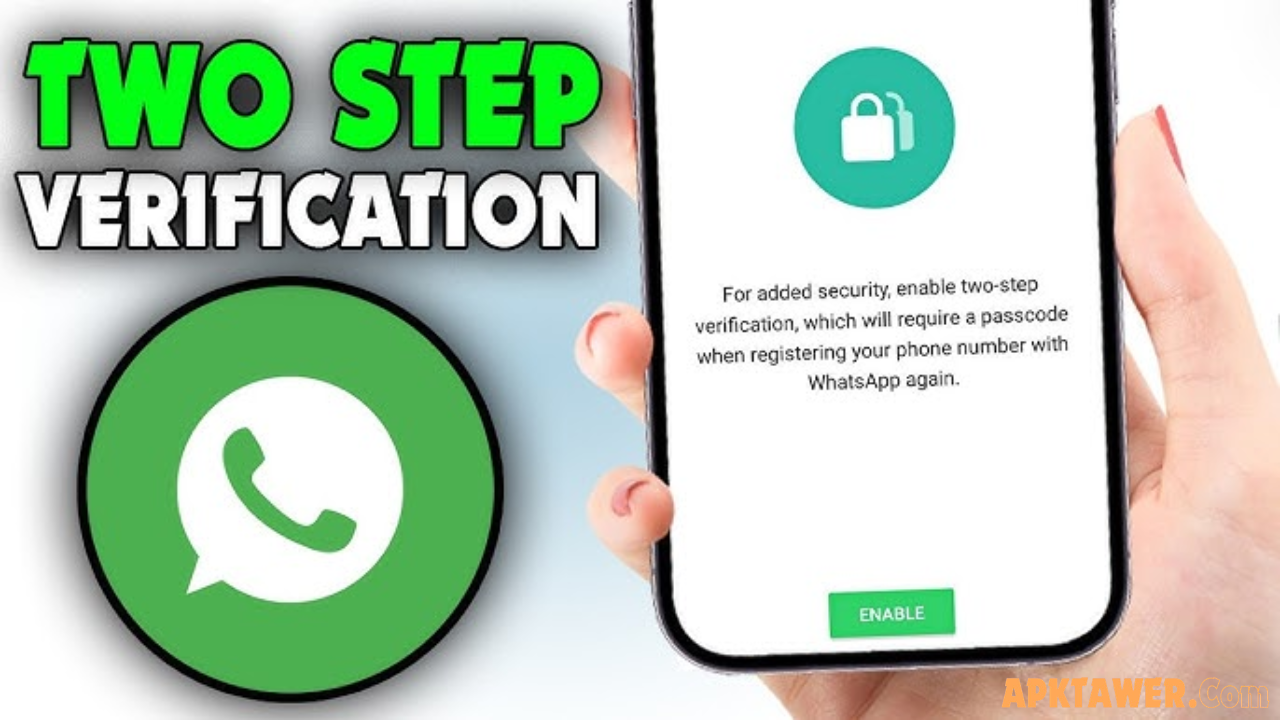
Enable Two-Step Verification (2FA)
- Open WhatsApp → Settings → Account → Two-step verification.
- Tap “Enable” and create a 6-digit PIN.
- Add an email for recovery (highly recommended).
This blocks anyone trying to register your number on a new device.
Turn On App Lock and Chat Lock
- Go to Settings → Privacy → App Lock → Enable biometric or PIN lock.
- For specific chats: Swipe left on a chat → Lock Chat.
Your chats stay hidden even if someone borrows your phone.
Activate Strict Account Settings (New in 2026)
For extra protection against sophisticated attacks:
Settings → Privacy → Advanced → Turn on Strict Account Settings.
This locks privacy to the strictest level, blocks media from unknown numbers, and forces extra security checks. Ideal for journalists, activists, or anyone worried about targeted threats.
Check Linked Devices Regularly
Settings → Linked Devices → Log out any you don’t recognize.
Use Privacy Checkup
Settings → Privacy → Privacy Checkup. Review who can see your profile photo, last seen, and who can add you to groups.
Broader Social Media Security (Instagram, Facebook, X, etc.)
- Enable 2FA everywhere – Use an authenticator app (Google Authenticator or Authy) instead of SMS when possible.
- Set accounts to private – Only approved followers see your content.
- Review connected apps – Remove old logins from third-party sites.
- Use a password manager – Tools like Bitwarden or built-in options in your phone’s settings generate and store unique, strong passwords.
Pro tip: Enable security notifications on each platform so you get alerts about new logins from unfamiliar devices.
Comparison of Security Levels
| Security Level | What It Includes | Best For | Effort Required |
|---|---|---|---|
| Basic | Strong password + device lock | Everyday users | Low |
| Recommended | + 2FA + Privacy settings + App/Chat Lock | Most people | Medium |
| Maximum (2026) | + Strict Account Settings + Encrypted backups + Passkeys | High-risk users | Low (one toggle) |
Start at “Recommended” and upgrade as needed.
Pros and Cons of Key Security Features
Two-Step Verification
Pros: Blocks 99% of account takeovers.
Cons: You’ll need your PIN or email if you forget it.
App Lock & Chat Lock
Pros: Instant privacy on shared devices.
Cons: Slightly slower to open chats.
Strict Account Settings
Pros: One-tap lockdown against advanced threats.
Cons: Limits some features (e.g., media from non-contacts).
Password Managers
Pros: Unique passwords without memorizing them.
Cons: Requires trusting one secure app (choose reputable ones like Bitwarden).
Balanced view: The minor inconveniences are tiny compared to the risk of losing your account.
Practical Tips and Best Practices for 2026
- Create strong, unique passwords using three random words plus numbers/symbols (e.g., “CoffeeMountain2026!”).
- Never share verification codes—not even with “support” claiming to help.
- Update apps and your phone OS regularly—security patches fix known vulnerabilities.
- Avoid public Wi-Fi for sensitive chats or use a reputable VPN.
- Review your digital footprint monthly: Search your name and delete old posts you wouldn’t want a future employer (or hacker) to see.
- Use disappearing messages for sensitive conversations (Settings → Privacy → Default message timer).
- Teach family members—forward this guide to parents or kids who use social media.
Real-world habit: Every Sunday, spend two minutes checking linked devices and privacy settings. It becomes second nature.
FAQs
How do I recover a hacked WhatsApp account?
Act fast: Use the “Log out from all devices” option if possible, or contact WhatsApp support through the app with your phone number. Enable 2FA immediately after recovery.
Does enabling Strict Account Settings affect normal chatting?
It only restricts interactions with non-contacts (blocks media, silences unknown calls). Your regular chats with friends and family work normally.
Is two-factor authentication enough by itself?
It’s one of the strongest single steps, but combining it with app lock, privacy settings, and regular device checks gives the best protection.
Should I use the same password across social media?
Never. If one account is breached, attackers try the same password everywhere. A password manager solves this easily.
Can I secure my accounts without extra apps?
Absolutely—WhatsApp’s built-in tools (2FA, locks, privacy checkup) and each platform’s native 2FA are more than enough for most users.
Conclusion
Securing your WhatsApp and social media accounts in 2026 doesn’t require tech expertise—just a few smart habits and built-in features. By enabling two-step verification, using app locks, reviewing privacy settings, and staying vigilant, you protect your conversations, photos, and personal information from hackers and scams.
Start with the quick wins today: Turn on 2FA and run a Privacy Checkup. Your future self will thank you.
Explore more official security tips directly in the WhatsApp Settings menu or on your favorite platform’s help center—and stay safe online!