
Imagine your phone not just responding to commands but actually understanding what you need before you ask. It translates a conversation in real time while you talk, cleans up a blurry photo with one tap, or summarizes your meeting notes automatically.
That’s exactly what’s happening in 2026. AI tools have moved from flashy demos to everyday features that make smartphones faster, smarter, and more personal. Whether you have an Android, iPhone, or any modern device, these tools are quietly transforming how we communicate, create, and stay organized.
In this guide, you’ll get a simple breakdown of what these AI tools are, the biggest benefits, the best options available right now, real-life tips, and answers to common questions. No tech jargon—just clear, useful info.
What Are AI Tools That Are Changing Mobile Phones in 2026?
At their core, these AI tools are intelligent features powered by artificial intelligence that run directly on your phone (called “on-device AI”). Unlike older systems that sent everything to the cloud, today’s AI processes data locally on the device itself.
This means quicker responses, better privacy, and features that work even offline. The shift happened thanks to powerful new chips (like NPUs) designed specifically for AI.
In simple terms: your phone is becoming a helpful companion rather than just a device you tap and scroll. It learns your habits, anticipates needs, and handles creative or repetitive tasks for you.
Key Features and Benefits of AI Tools in Mobile Phones
Here are the standout ways AI is making phones better in 2026:
- Real-time translation and communication Live Translate turns calls, messages, or in-person chats into your preferred language instantly—while keeping the speaker’s natural tone. Great for travel, business meetings, or talking with family abroad. No more awkward pauses or language apps.
- Smart photo and video editing Generative tools let you remove unwanted objects, change backgrounds, relight scenes, or even create new images from text descriptions. Features like Magic Editor or Clean Up turn average snaps into polished shots in seconds.
- Proactive and contextual assistance AI now suggests replies, surfaces important info (like flight details from a chat), summarizes recordings, or gives you a daily briefing based on your calendar and location. It feels like the phone is thinking ahead.
- Battery and performance optimization AI learns your usage patterns and intelligently manages apps, brightness, and background tasks to stretch battery life without you noticing.
- Enhanced creativity and productivity From turning voice notes into organized text with action items to generating custom wallpapers or helping write professional emails—AI handles the heavy lifting so you can focus on ideas.
These features save time, reduce frustration, and unlock creativity for students, professionals, parents, and travelers alike.
Best AI Tools and Features Transforming Phones in 2026
The biggest changes come from built-in tools in flagship phones, plus a few official apps you can download safely from app stores. Here are the standouts:
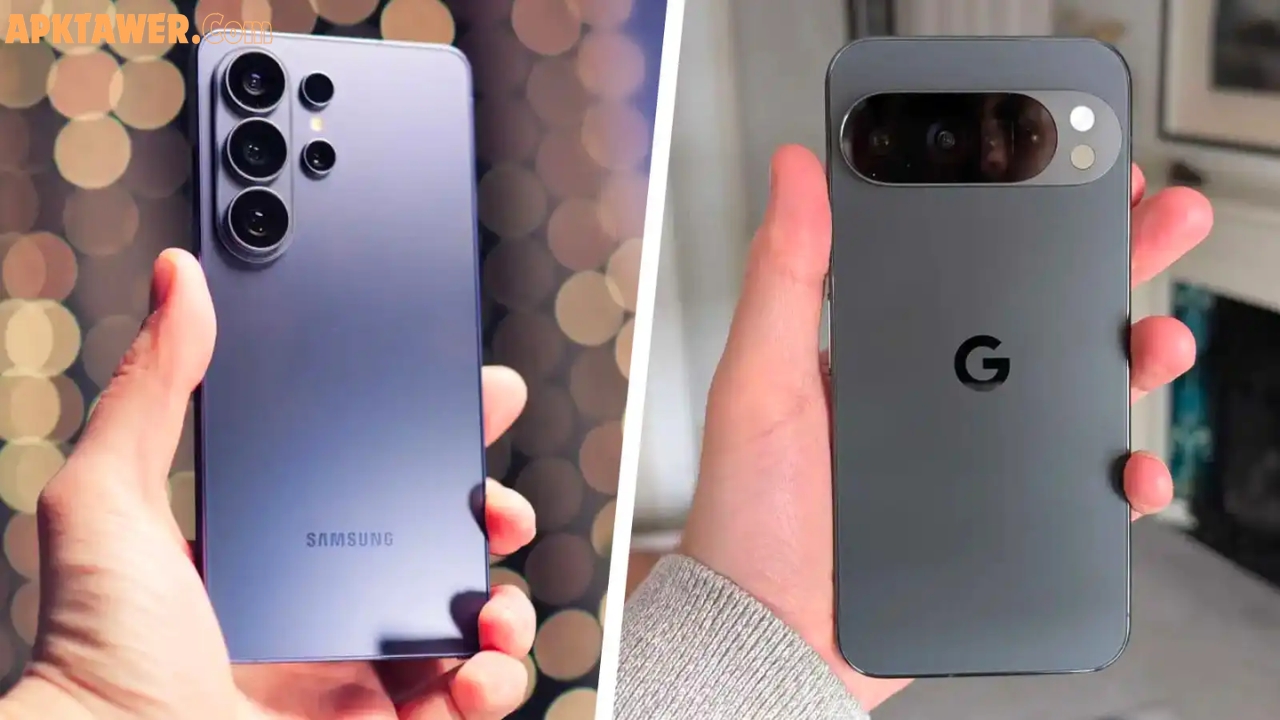
- Galaxy AI (Samsung Galaxy series) Standout features include Circle to Search (circle anything on screen for instant info), Writing Assist (rewrites text professionally), real-time call translation, and advanced photo/video editors like Audio Eraser. Ideal for power users who want everything integrated seamlessly.
- Google Gemini and Pixel features Gemini Live offers natural conversations with screen sharing. Magic Cue provides proactive context, Auto Best Take perfects group photos, and on-device summarization works offline. Perfect for photography lovers and those who use Google services daily.
- Apple Intelligence (iPhone series) Writing Tools polish your text across apps, Visual Intelligence scans the screen for quick actions (like adding calendar events from a photo), Live Translation works in Messages and calls, and Clean Up removes objects from photos. Great emphasis on privacy and smooth iOS integration.
- Cross-platform apps worth exploring The official Google Gemini app, ChatGPT app, and tools like Otter.ai (for smart note transcription) bring advanced AI to any phone. These are available directly from the App Store or Google Play—no risky files needed.
All these are official, regularly updated features from trusted brands.
How Leading AI Phones Compare in 2026
| Aspect | Samsung Galaxy AI | Google Gemini / Pixel | Apple Intelligence |
|---|---|---|---|
| Best for | Overall productivity & creativity | Photography & proactive help | Privacy & seamless ecosystem |
| Standout strength | Generative editing + S Pen tools | On-device speed & camera AI | Deep OS integration + safety |
| Translation | Real-time calls & in-person | Natural voice replication | Across Messages & FaceTime |
| Editing tools | Object removal, style changes | Magic Editor & Auto Best Take | Clean Up & Image Playground |
| Privacy focus | Strong on-device options | Excellent on-device processing | Highest (full local processing) |
Choose based on your ecosystem and priorities—each delivers real value without needing extra hardware.
Pros and Cons of AI Tools in Mobile Phones
Pros
- Saves hours on daily tasks like editing, translating, and note-taking.
- Makes phones more accessible (e.g., better for non-native speakers or busy parents).
- Improves privacy with on-device processing.
- Turns average users into creators with pro-level results.
Cons
- Premium phones with the best AI are more expensive.
- Some advanced features still benefit from occasional internet access.
- Learning new gestures or settings takes a little time at first.
- Over-reliance on AI can feel less “human” for some creative work (always review outputs).
Overall, the benefits far outweigh the drawbacks for most people.
Practical Tips and Best Practices for Using AI Tools
- Start simple: On your current phone, enable Google Gemini, Circle to Search, or Writing Tools in settings—they’re often just a toggle away.
- Protect your privacy: Review permissions and choose “on-device only” options when available.
- Daily habit: Use real-time translation on one international call this week or try the photo editor on your latest selfie.
- Battery tip: Let AI optimization run in the background—it learns from your routine automatically.
- Experiment safely: Stick to official apps and built-in features for the best (and most secure) experience.
These small steps can make your phone feel brand new without buying anything.
FAQs About AI Tools Changing Mobile Phones in 2026
Do I need to buy a new phone to use these AI tools? Many features are already rolling out via software updates to recent models. Check your phone’s settings or app store for the latest AI options.
Is on-device AI really more private? Yes—data stays on your phone instead of being sent to servers, reducing risks while delivering faster results.
Are these tools only for tech experts? Not at all. Most features work with simple taps or voice commands and include helpful guides.
Will AI drain my battery faster? Actually, the opposite is true with modern optimization tools—they manage power more efficiently than before.
How do I get started safely? Update your phone’s software, explore built-in AI settings, and download only official apps from trusted stores.
Conclusion
AI tools in 2026 aren’t about robots taking over—they’re about making your mobile phone a more intuitive, helpful partner in daily life. From effortless translation to creative photo magic and smart productivity boosts, these features are changing what a smartphone can do for everyone, everywhere.
Ready to experience it yourself? Check the AI settings on your phone today or explore the latest models with built-in intelligence. The future of mobile is already in your pocket—make the most of it!