
Short-form video is king in 2026. Whether you’re a beginner posting your first Reel or a seasoned creator aiming for viral Shorts, the right tools can turn raw ideas into scroll-stopping content in minutes.
In this guide, you’ll learn exactly which apps and tools top creators rely on to produce high-engagement videos and graphics for Instagram, TikTok, and YouTube Shorts. We’ll cover real features, honest pros and cons, and simple tips you can use today to grow your audience—no expensive equipment or editing degree needed.
What Are the Best Apps and Tools to Create Engaging Social Media Content?
These are user-friendly apps and software designed specifically for short-form video and visual content. They help you shoot, edit, add captions, apply trending effects, design thumbnails or carousels, and even repurpose longer videos into bite-sized clips optimized for vertical viewing on mobile.
Most run on phones or browsers, include generous free tiers, and use AI to handle tedious tasks like auto-captions, beat syncing, or background removal. The goal? Help anyone create professional-looking content that stops the scroll and keeps viewers watching.
Key Features and Benefits of Top Social Media Content Tools in 2026
Modern tools stand out because they focus on speed, creativity, and platform-specific optimization. Here’s what makes them effective:
- AI-powered auto-captions and text effects — Boost watch time by 40%+ since most people watch without sound.
- Ready-made templates and trending sounds — Jump on viral trends without starting from scratch.
- Vertical video optimization — Automatic resizing and reframing for 9:16 format.
- Easy repurposing — Turn one long video into multiple Shorts or Reels with smart clipping.
- Cross-platform export — Quick saves in the exact specs Instagram, TikTok, and YouTube prefer.
- Collaboration and brand kits — Keep your look consistent whether you’re solo or working with a team.
These features save hours and help global creators—from students in Pakistan to marketers in Brazil—produce content that feels native to each platform.
Best Apps and Tools for Creating Engaging Content in 2026
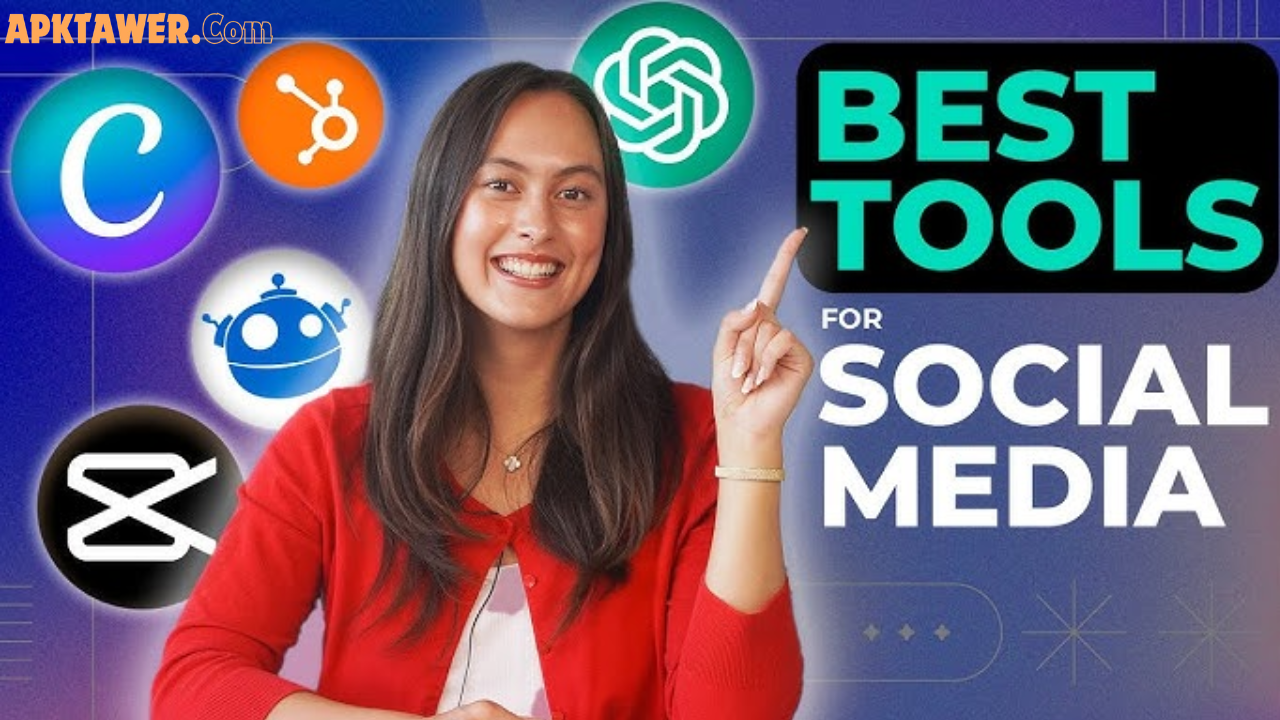
Here are the standout options that creators actually use and love right now. All are legal, widely available, and focus on safe, high-quality creation.
1. CapCut (Best Overall for Short-Form Video)
CapCut remains the go-to editor for TikTok, Instagram Reels, and YouTube Shorts. Its mobile and desktop versions offer one-tap templates, auto-captions in dozens of languages, beat-sync effects, and AI tools like script-to-video or background removal.
Why creators love it: You can go from raw footage to polished Reel in under 10 minutes. The free tier exports in high quality with no watermarks on most projects.
Best for: Beginners and pros who want fast, trend-ready videos.
2. Canva (Best for Graphics, Thumbnails & Simple Videos)
Canva’s drag-and-drop interface plus Magic Studio AI lets you create stunning carousels, story templates, animated text overlays, and short video clips. Brand kits keep colors and fonts consistent across posts.
Real-life example: A travel creator in Europe uses Canva’s AI to generate eye-catching Reels thumbnails in seconds, then exports directly for Instagram.
Best for: Visual-first content and anyone who needs quick designs alongside video.
3. InShot (Best Beginner-Friendly Mobile Editor)
InShot shines for quick trimming, adding music, text, stickers, and transitions—all on your phone. It’s especially popular among Instagram creators who want professional polish without complexity.
Pro tip: Pair it with CapCut when you need more advanced effects.
4. Adobe Express (Best for Polished, Brand-Consistent Content)
Adobe Express combines Firefly AI for generative fill, quick background removal, and social-specific templates. It syncs with your Adobe account if you already use Photoshop or Premiere.
Standout feature: One-click resizing for every platform so your Shorts look perfect on YouTube and Reels look native on Instagram.
5. Descript & Opus Clip (Best for Repurposing Longer Content)
- Descript edits video by editing text—like a Google Doc. Remove “ums,” add captions, and clean audio instantly.
- Opus Clip automatically scans long videos or podcasts and generates multiple ready-to-post Shorts with captions and virality scores.
Perfect for: YouTubers who want to repurpose long tutorials into daily TikTok and Reels without extra filming.
These tools are all available globally via official app stores or websites and offer free starting plans.
Quick Comparison of the Top Tools
| Tool | Best For | Free Tier Quality | Standout AI Feature | Learning Curve |
|---|---|---|---|---|
| CapCut | Short-form video editing | Excellent | Auto-captions & beat sync | Low |
| Canva | Graphics & quick videos | Very Good | Magic Design & text-to-image | Very Low |
| InShot | Mobile-only edits | Good | Fast transitions & effects | Very Low |
| Adobe Express | Brand visuals & video | Good | Firefly generative AI | Low |
| Descript/Opus Clip | Repurposing long content | Limited credits | Smart clipping & text editing | Medium |
Choose based on your main workflow—most creators use CapCut + Canva as their daily stack.
Pros and Cons of Using These Tools
Pros:
- Save massive time with AI automation.
- No need for expensive software or hardware.
- Built-in trends and music libraries keep content fresh.
- Global accessibility—works on Android, iOS, and web.
- Regular 2026 updates add better AI and platform integrations.
Cons:
- Free tiers have occasional limits on exports or premium effects.
- Over-reliance on templates can make content feel similar if you don’t customize.
- Some advanced AI features require a paid upgrade (usually affordable monthly plans).
The solution? Start free, experiment, and upgrade only when your content volume grows.
Practical Tips and Best Practices for 2026
- Hook in the first 3 seconds — Use bold text or a strong visual question.
- Add captions every time — AI tools make this automatic and increase engagement dramatically.
- Test vertical formats — Always preview on mobile before posting.
- Repurpose smartly — Film once, edit once, then use Opus Clip or Descript to create 5–10 Shorts from a single video.
- Keep branding consistent — Use Canva’s Brand Kit across every platform.
- Stay trend-aware — Check in-app trending sounds and effects weekly.
- Analyze what works — Most tools now show basic performance insights—double down on formats that get shares and saves.
Pro tip from creators worldwide: Consistency beats perfection. Post 3–5 times per week using these tools and watch your reach grow naturally.
FAQs About Apps and Tools for Social Media Content Creation
What is the single best free tool for TikTok and Instagram Reels in 2026?
CapCut is the top choice for most creators thanks to its powerful free features and direct optimization for short-form platforms.
Do I need a paid plan to create professional-looking content?
No. The free tiers of CapCut, Canva, and InShot are enough for high-quality Reels, TikToks, and Shorts. Upgrade only when you need 4K exports or unlimited AI generations.
Are these tools safe and legal to use?
Yes—all recommended tools are official apps from reputable companies with built-in commercial-use music and effects.
Can beginners create engaging content without prior experience?
Absolutely. Tools like Canva and CapCut are designed with templates and AI that guide you step-by-step.
How do I choose between CapCut and InShot?
Use CapCut for advanced effects and templates; choose InShot for super-simple mobile editing and quick exports.
Conclusion
Creating engaging social media content for Instagram, TikTok, and YouTube Shorts in 2026 is easier and more powerful than ever. With tools like CapCut, Canva, InShot, Adobe Express, and smart repurposers like Descript and Opus Clip, anyone can produce scroll-stopping videos that connect with a global audience.
Start small: pick one tool today, create your next Reel or Short, and build from there. The key is consistent practice and letting AI handle the technical side while you focus on your unique story.
Ready to level up your content? Explore these tools on their official websites or app stores and watch your engagement grow in 2026!