
Podcasting has never been more accessible. Whether you dream of sharing stories, interviews, or expert advice, the right tools let you capture clear, engaging audio from day one—no studio required.
If you’re just starting out, the good news is you don’t need fancy gear or years of experience. This guide walks you through exactly what podcast recording tools are, the best beginner-friendly options available in 2026, and simple ways to get started. You’ll finish with everything you need to record your first episode confidently.
What Are Podcast Recording Tools?
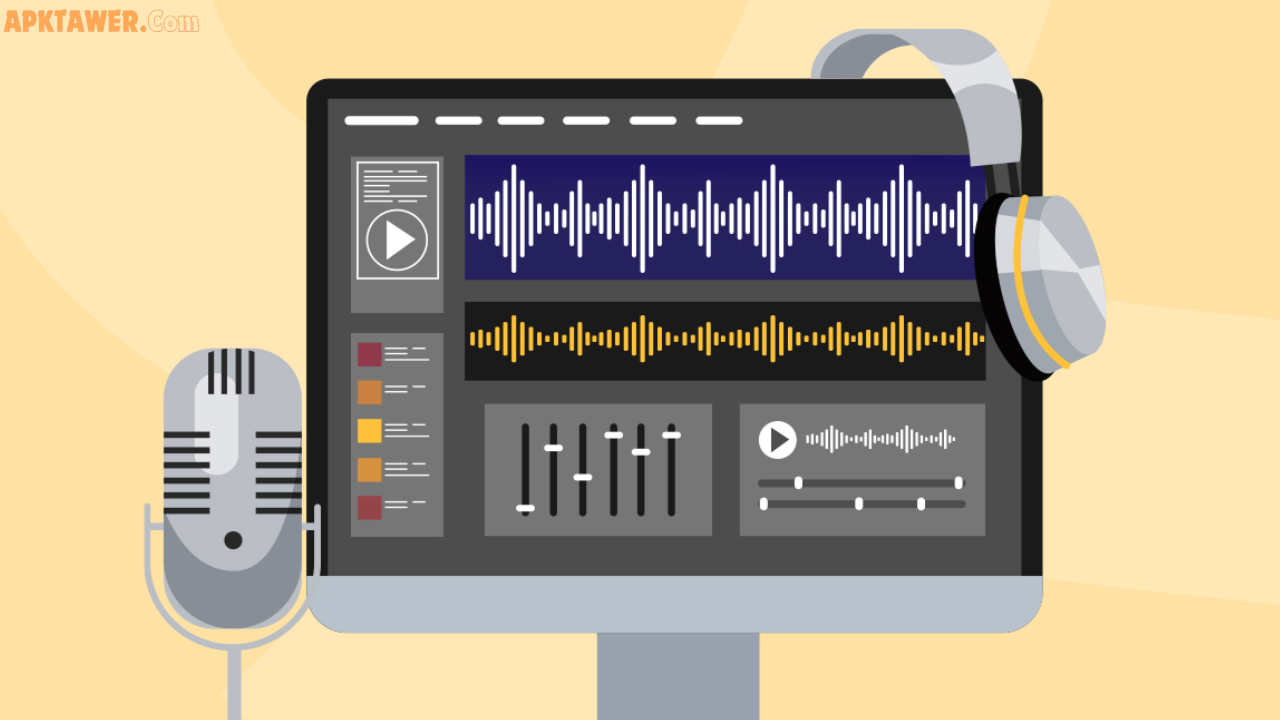
Podcast recording tools are the hardware and software that capture your voice (and your guests’) clearly, then help you edit it into a polished episode.
For beginners, these tools focus on simplicity: easy setup, reliable audio quality, and minimal learning curve. They include USB microphones, free editing programs, and cloud-based platforms that handle remote interviews. The goal? High-quality sound without complicated tech.
Key Features to Look for in Beginner Podcast Recording Tools
Great tools for new podcasters share a few must-have qualities:
- Plug-and-play simplicity — Works right out of the box with your computer or phone.
- Clear audio capture — Good noise rejection and balanced sound even in a home environment.
- Multi-track recording — Records each speaker separately so you can edit easily later.
- Built-in editing basics — Trim silence, reduce background noise, or balance volume.
- Affordable or free options — No big upfront costs while you test the waters.
These features help you focus on content instead of troubleshooting.
Best Podcast Recording Tools for Beginners in 2026
Here are the most practical, highly recommended options that actual beginners love.
Essential Hardware for Any Setup
You can’t record great audio without a decent microphone. The Samson Q2U remains a top pick for beginners—it’s a dynamic USB microphone that’s affordable, rejects room noise, and connects directly to your computer. Pair it with any wired headphones (like basic Apple EarPods) to monitor your sound in real time and avoid echo.
Total starter cost: around $70–$100. Many podcasters use this exact combo for their first 50+ episodes.
Free Local Recording Software (Perfect for Solo Episodes)
- Audacity (Windows, Mac, Linux): Completely free and open-source. Record directly into your computer, edit tracks, remove noise, and export professional files. It’s been a beginner favorite for years because of its straightforward interface and huge online tutorial library.
- GarageBand (Mac only): Free with every Apple device. Drag-and-drop simplicity with great built-in effects and podcast templates. Ideal if you’re already in the Apple ecosystem.
These local tools work offline and give you full control without monthly fees.
Cloud-Based Tools for Remote or Guest Episodes
When recording with co-hosts or guests from anywhere:
- Riverside.fm: Beginner-friendly all-in-one platform. Guests join via a simple link—no downloads needed. It records high-quality local audio and video (great if you ever add video), then offers easy editing tools. Free plan available to test it out.
- Zencastr: Browser-based and super simple. It captures studio-quality audio locally on each person’s device, even on slower internet. Built-in AI tools help with noise reduction and transcripts.
Both options make remote recording feel effortless and deliver better sound than standard video calls.
Comparing Popular Podcast Recording Tools
| Tool Type | Best For | Cost | Ease of Use | Best If You… |
|---|---|---|---|---|
| Audacity/GarageBand | Solo recording | Free | High | Want zero cost and full control |
| Riverside.fm | Remote interviews + video | Free tier / paid | Very High | Record with guests anywhere |
| Zencastr | Simple remote audio | Free tier / paid | High | Prioritize flawless audio |
Free local software wins for solo shows and tight budgets. Cloud platforms shine when collaboration matters. Most beginners start with a USB mic + Audacity, then add a cloud tool once they invite guests.
Pros and Cons of Beginner Podcast Recording Tools
Pros:
- Affordable entry point — Many excellent options are free or under $100.
- Quick to learn — Modern tools include helpful tutorials and AI assistance.
- Scalable — Start simple and upgrade as your show grows.
- Professional results — Clear audio that sounds radio-ready.
Cons:
- Free tools may lack advanced AI features (though basics are covered).
- Cloud platforms require stable internet for the best experience.
- You’ll still need a quiet space—tools can’t fix loud background noise completely.
Overall, the pros far outweigh the cons for new podcasters.
Practical Tips and Best Practices
- Test everything first. Record a 5-minute practice episode to check levels and sound.
- Mind your environment. Record in a quiet room with soft surfaces (blankets, pillows) to reduce echo. A simple closet works wonders!
- Microphone technique. Speak 4–6 inches from the mic, stay consistent, and use a pop filter to avoid harsh “P” sounds.
- Monitor with headphones. Always wear wired ones during recording to catch issues immediately.
- Edit lightly at first. Focus on removing long silences and balancing volume—perfection comes with practice.
- Backup your files. Save raw recordings in multiple places before editing.
Real-life example: One beginner podcaster started with just their laptop microphone and Audacity. After switching to a Samson Q2U and a quiet corner, listener feedback improved dramatically within two episodes.
FAQs About Podcast Recording Tools for Beginners
What is the best free podcast recording tool? Audacity is the top free choice for most beginners. It’s powerful, cross-platform, and has everything you need to record and edit basic episodes.
Do I need expensive equipment to start a podcast? No. A reliable USB microphone like the Samson Q2U and free software will get you professional-sounding results. Focus on content first—upgrade later if needed.
How do I record a podcast with guests remotely? Use a cloud platform like Riverside.fm or Zencastr. Send your guests a simple link, and the tool handles high-quality local recording on their device.
Is it better to record solo or use cloud tools? Solo shows work great with Audacity or GarageBand. Switch to cloud tools only when you add remote guests—they save time and improve audio quality.
Can I record a podcast on my phone? Yes, many cloud tools have mobile apps, and built-in voice recorders work in a pinch. For best quality, a computer + USB mic is still ideal.
Ready to Start Your Podcast?
The perfect podcast recording tools for beginners are the ones that feel easy and deliver clear results—without breaking the bank or your confidence. Whether you choose free software like Audacity or a user-friendly cloud option like Riverside.fm, you now have a simple path forward.
Pick one setup, record a short test episode this week, and refine as you go. Your audience is waiting to hear what you have to say.
Explore the tools mentioned, experiment, and enjoy the journey. Happy podcasting!