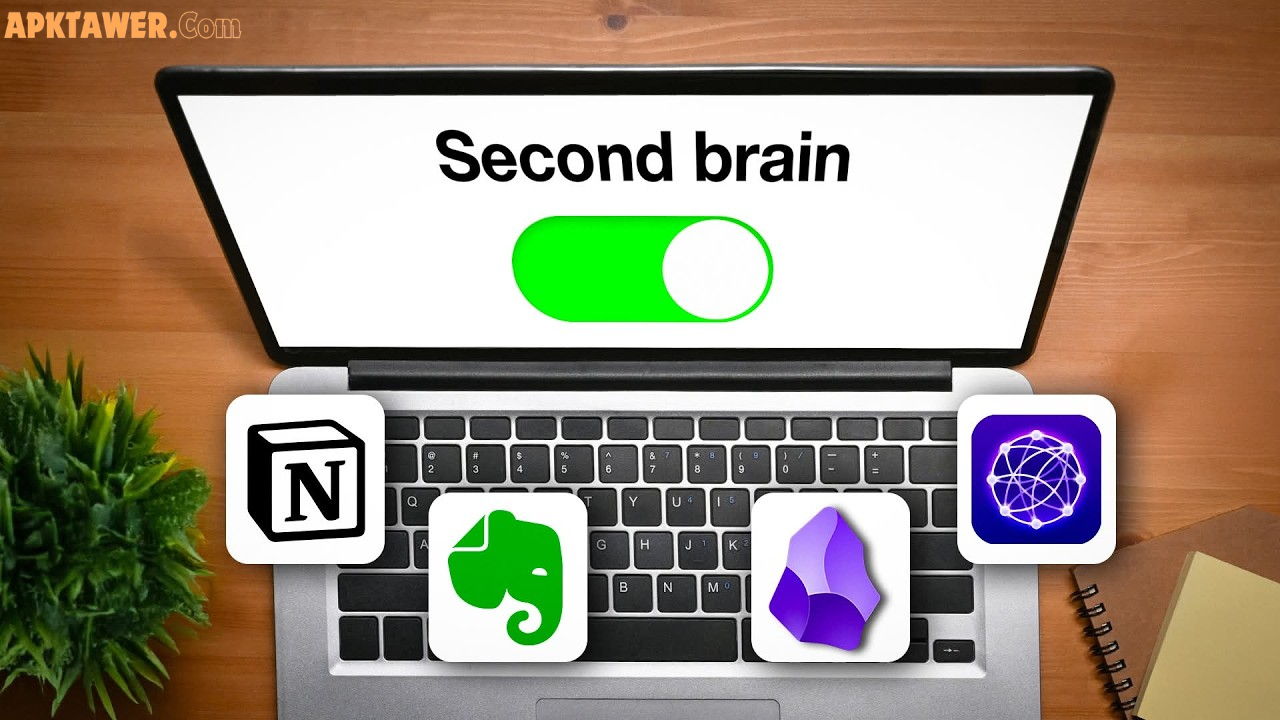

Have you ever had a brilliant idea vanish before you could write it down? Or felt overwhelmed by scattered notes across apps, notebooks, and sticky notes?
In our fast-paced world, information comes at us constantly — articles, podcasts, conversations, and random sparks of inspiration. A “second brain” is your personal digital system to capture, organize, and reuse all those ideas without relying on memory alone.
In this guide, you’ll learn exactly what a second brain is, why it transforms how you think and create, and the best tools to build one in 2026. We’ll cover practical recommendations, honest comparisons, and simple tips to get started — no tech overload required.
What is a Second Brain?
A second brain is an external, trusted system for storing and managing your knowledge and ideas. Popularized by productivity expert Tiago Forte in his book Building a Second Brain, it acts like an extension of your mind.
Instead of trying to remember everything, you offload ideas into a reliable digital space. You capture them quickly, organize them meaningfully, distill the best parts, and express them when needed (the CODE method).
It’s not about hoarding notes — it’s about turning fleeting thoughts into something useful, whether you’re a writer, student, entrepreneur, or creative professional.
Key Benefits of Building a Second Brain for Ideas
Building a second brain delivers real advantages that go beyond simple note-taking:
- Instant capture without stress: Jot down ideas the moment they strike — on your phone, during a walk, or in a meeting — so nothing gets lost.
- Better idea connections: Tools that link related notes help you spot patterns and generate fresh insights you’d otherwise miss.
- Reduced mental clutter: Free up your brain for creative thinking instead of remembering where you saved that one article.
- Long-term knowledge growth: Over time, your system becomes a personal library that supports projects, learning, and decision-making.
- Boosted productivity and creativity: Real users report finishing articles faster, launching side projects, or simply feeling more in control of their thoughts.
For example, a graphic designer I know uses her second brain to link client feedback with mood board ideas. When a new brief comes in, she quickly pulls relevant past work instead of starting from scratch.
Best Tools to Build a Second Brain for Ideas
Here are the standout tools in 2026 that help you capture and nurture ideas effectively. All are legitimate, widely used options with free tiers or trials where noted. I focused on ease of use, idea-friendly features, and long-term reliability.
1. Notion
Notion is a flexible all-in-one workspace that combines notes, databases, tasks, and wikis. It shines for structuring ideas using templates (like PARA: Projects, Areas, Resources, Archives). Add pages, link them, and even embed media. Best for: People who want customizable dashboards and team-friendly features. Start simple with a free personal plan at notion.so.
2. Obsidian
Obsidian is a free, local-first app that stores notes as plain Markdown files on your device. Its graph view visually shows how ideas connect, making it perfect for “digital gardening.” Best for: Privacy-focused users and thinkers who love linking concepts organically (Zettelkasten style). Great for offline work and full data ownership. Download at obsidian.md.
3. Evernote
A longtime favorite with powerful search, OCR for scanned documents, and web clipping. It excels at quickly capturing and retrieving ideas from anywhere. Best for: Users who need robust search and organization without a steep learning curve. Free tier available at evernote.com.
4. Logseq
An open-source outliner similar to Obsidian but with a strong focus on block-based notes and daily journaling. It supports queries, flashcards, and local Markdown files. Best for: Students, researchers, or anyone who prefers free, customizable outlining. Available at logseq.com.
5. Mem
Mem uses AI to automatically organize and connect your notes with minimal effort. Voice capture, smart search, and auto-tagging make it feel almost magical for idea flow. Best for: Busy professionals who want AI assistance without manual filing. Check it out at get.mem.ai (free tier available).
6. Apple Notes or Google Keep (for beginners)
Simple, built-in apps that are surprisingly effective for quick idea capture. They sync across devices and require zero setup. Best for: Anyone starting out or wanting zero-friction tools. No extra cost — already on your phone or computer.
These tools align well with Tiago Forte’s recommendations and have evolved with AI features for smarter idea handling in 2026.
How the Top Tools Compare
Choosing the right tool depends on your style. Here’s a quick side-by-side:
| Tool | Best For | Key Idea Feature | Pricing (2026) | Learning Curve | Data Ownership |
|---|---|---|---|---|---|
| Notion | Structured workspaces | Databases & templates | Free / Paid plans | Medium | Cloud |
| Obsidian | Idea linking & privacy | Graph view & backlinks | Free (optional sync) | Medium | Local files |
| Evernote | Search & capture | OCR & web clipper | Free / Paid | Low | Cloud |
| Logseq | Outlining & open-source | Block references | Completely free | Medium | Local files |
| Mem | AI-assisted organization | Auto-tagging & chat | Free tier / Paid | Low | Cloud + AI |
Pick based on whether you prefer visual linking (Obsidian), structure (Notion), or simplicity (Evernote/Apple Notes).
Pros and Cons of Building a Second Brain with These Tools
Pros:
- Turns chaos into clarity and sparks creativity through connections.
- Scales with you — start small and grow as your ideas do.
- Most options are free or low-cost to begin.
- Supports collaboration when needed.
Cons:
- There’s a short learning curve (but worth it).
- Over-customization can become a distraction — keep it simple at first.
- Data privacy matters; choose local-first tools if that’s a priority.
- No tool is perfect alone — many people combine one main app with simple capture tools.
The key is consistency, not perfection.
Practical Tips and Best Practices
Ready to build your own? Follow these actionable steps:
- Start tiny: Pick just one tool and commit for 30 days. Use it only for capturing ideas first.
- Follow the PARA system: Organize notes into Projects (active work), Areas (ongoing responsibilities), Resources (general knowledge), and Archives (completed items).
- Capture everything: Use quick entry methods — voice notes, browser extensions, or a simple inbox page. Set a daily 5-minute review habit.
- Link ideas actively: In Obsidian or Notion, connect related notes. One user linked “coffee shop observations” to a marketing campaign and discovered a breakthrough angle.
- Review weekly: Spend 15 minutes distilling highlights and archiving old notes. This keeps your second brain alive and useful.
- Avoid overwhelm: Ignore fancy plugins until you need them. Focus on what serves your ideas.
Real-life tip: A teacher I know captures student questions in Mem during class. Later, AI helps her spot recurring themes for lesson plans — saving hours of prep.
FAQs
What is the best free tool for a second brain in 2026? Obsidian or Logseq stand out for completely free, local storage with powerful linking. They’re ideal if privacy and no recurring costs matter most.
Do I need AI features to build an effective second brain? Not at all. AI in tools like Mem or Notion can speed up organization, but the core value comes from consistent habits and manual connections. Start without AI if you prefer.
How long does it take to set up a second brain? Most people feel productive in one weekend. Spend an hour importing old notes, then build the habit gradually.
Can I use multiple tools together? Yes! Many combine Obsidian for deep thinking with Notion for projects or Apple Notes for quick capture. Tiago Forte encourages an ecosystem approach.
Is building a second brain worth the effort? Absolutely. Users consistently report less stress, more creative output, and better recall of their own ideas.
Conclusion
A second brain isn’t about fancy software — it’s about giving your best ideas a safe, organized home so they can grow. Whether you choose Notion for structure, Obsidian for connections, or start with Apple Notes, the right tool is the one you’ll actually use every day.
Start small today. Pick one tool, capture your next three ideas, and watch how quickly your thinking improves.
Explore these tools, experiment, and build a system that works for your ideas. Your future self will thank you.